Tree survey app for arborists
Stop typing tree data
twice.
LogLog replaces the clipboard-and-spreadsheet shuffle. Mark trees on your site plan, record species and DBH, snap photos — export the report. All from your phone.
LogLog doesn't use open self-signup — request a code and a human emails it back, usually within a day or two. No demo call, no account, no card. Already have access? Open the app →
- Jul 9, 2026Team accounts, secure per-tenant login
- Jul 6, 2026Field-tested a week of bug fixes
- Jul 5, 2026Export reliability fix
The tree survey workflow is broken.
If you're still running clipboard, camera roll, and a spreadsheet as three separate tools, see how that stacks up against LogLog in our full comparison hub, starting with the spreadsheet comparison.
The old way
Print the site plan, mark it up by hand. Then photograph the markup. Then hope you can read your handwriting later.
With LogLog
Tap to place trees on your actual site plan. No printing, no hand-marking, no squinting later.
The old way
Type everything into a spreadsheet after. Back at the office, squinting at field notes, entering DBH measurements row by row.
With LogLog
Enter it once, on site. Species, DBH, condition — done. Walk away. That tree is finished.
The old way
Photos in one place, data in another. Camera roll full of tree photos. Which one was tree #14? Who remembers.
With LogLog
Photos attach to their tree. Always linked. Always findable.
Four steps. One visit.
Upload your plan before you leave the office. Do everything else on site. Need the fuller how-to? Check the guides.
Upload
Load your PDF site plan. Any survey drawing, any scale.
Pin
Tap the plan to drop numbered tree markers. Each pin becomes a full record.
Record
Species, DBH, condition, photos, notes. Fill it in once, on site. Done.
Export
One tap: ZIP with spreadsheet, annotated site plan, and all photos. Client-ready.
Upload
Load your PDF site plan. Any survey drawing, any scale.
Pin
Tap the plan to drop numbered tree markers. Each pin becomes a full record.
Record
Species, DBH, condition, photos, notes. Fill it in once, on site. Done.
Export
One tap: ZIP with spreadsheet, annotated site plan, and all photos. Client-ready.
Built for the field.
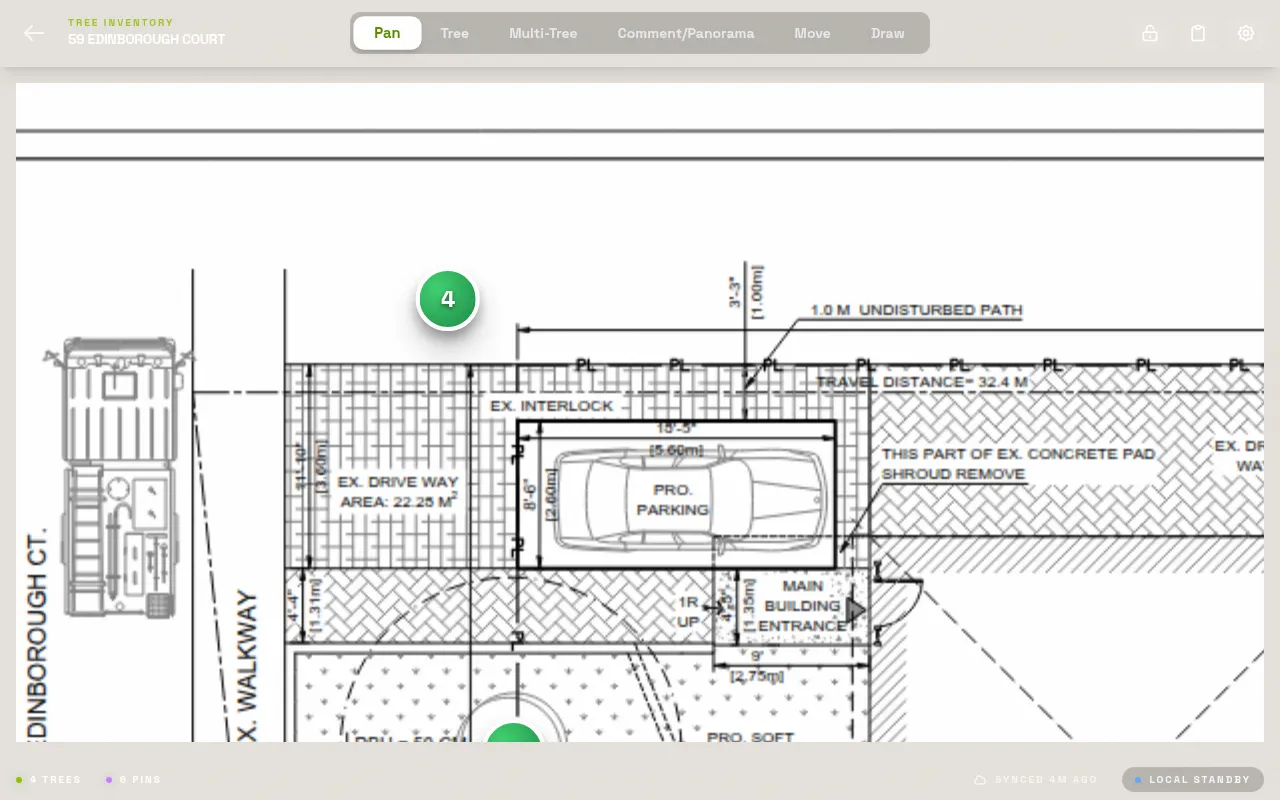
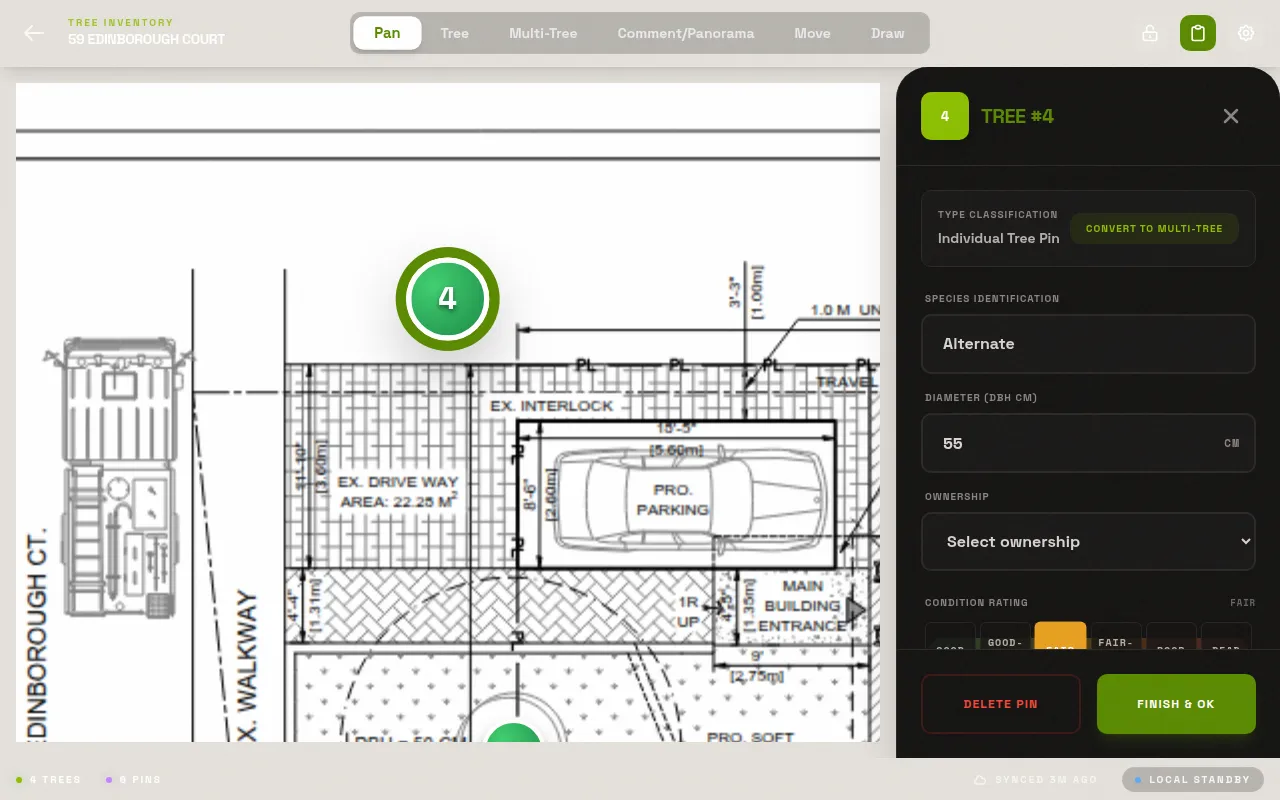
Mark up any PDF site plan
Load your site plan. Tap to drop tree markers. Each pin becomes a full record — species, DBH, condition, photos, notes.
No more
2x
data entry. Record once in the field, export when you're done.
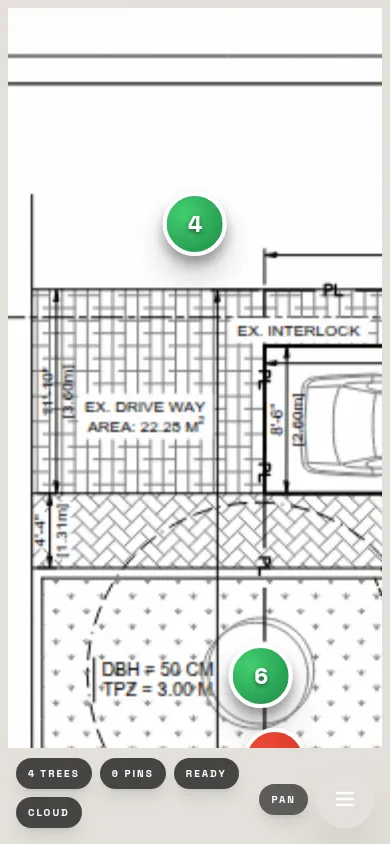
Works offline. Syncs when you're ready.
No cell signal on site? No problem. LogLog stores everything on your device. Data syncs when you're back online. See exactly how on thedata & trust page.
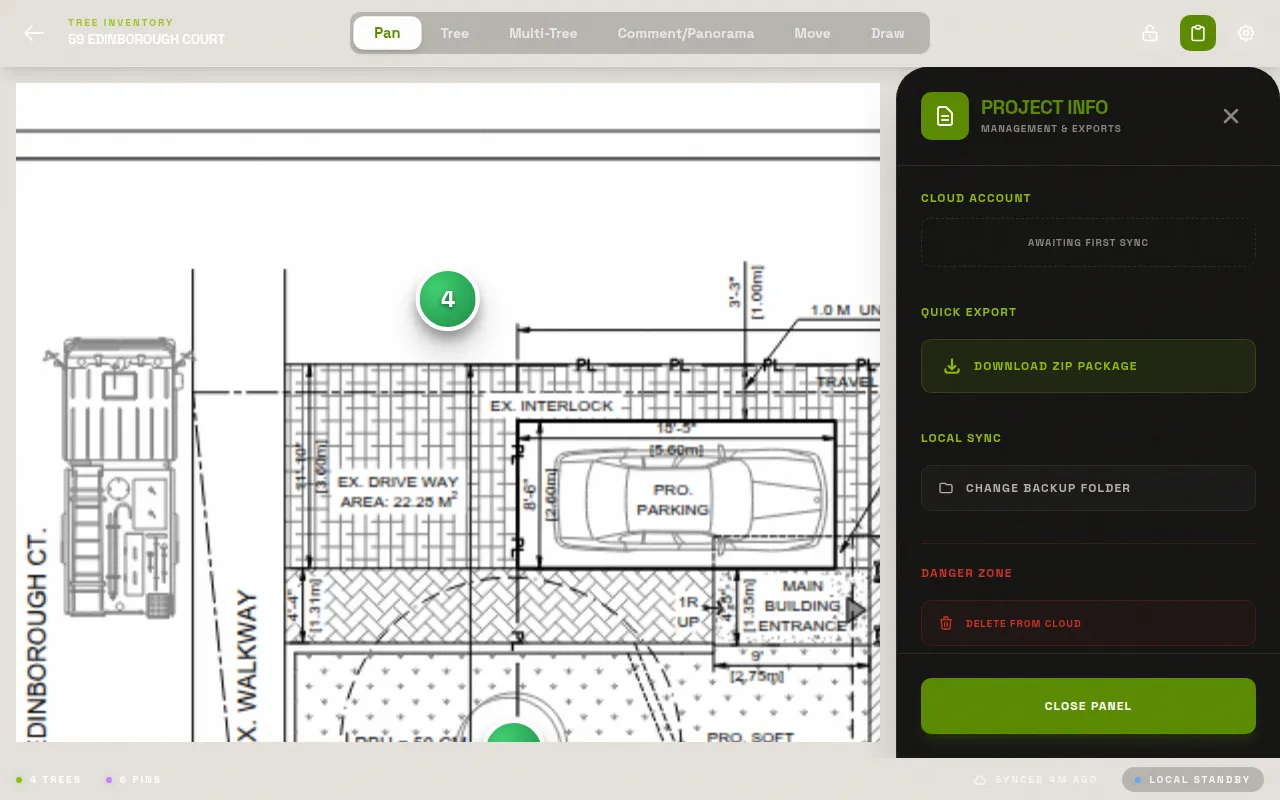
Export what your client needs.
ZIP with spreadsheet, annotated site plan, and all photos. Ready for the client in one tap. Excel, CSV — whatever they want.
Unlimited
0
Offline
CSV·XLSX·PDF·ZIP
From the founder
"I was 147 trees into a 200-tree residential survey. My hand-written field notes were half-illegible. The spreadsheet back at the office was going to take all evening. I thought — there has to be a better way to do this."
After years of printing site plans, hand-marking trees in the field, and then spending evenings re-entering everything into spreadsheets — I built LogLog. The tool I wished existed every time I walked a job site with a clipboard.
It started as a personal workflow fix. Now I want every arborist who does tree surveys to have it. No more clipboard shuffle. No more disconnected photos. Upload your plan, drop your pins, record your data, export the report. Done.
Free for your first project. No credit card, no catch.
Pro is on the way for practices that need more than one active project.Full pricing details →
Free
1 active project, up to 250MB storage
PDF annotation
Photo attachments
ZIP / Excel export
Offline-first field work
Need a code first? Get one here.
Pro
Coming soonEverything in Free
Multiple projects, more storage
Cloud sync across devices
Team accounts
Free stays free — Pro adds more, it doesn't take anything away.
Get an access code
One email in. One code back.
LogLog doesn't run open self-signup — enter your email and a human emails your access code back, usually within a day or two. No demo call, no sales meeting, no account creation, no card. Once you have a code, you're surveying the same day.
Why an access code? Solo dev, no open registration, no spam — this keeps it that way.
Questions
What devices and browsers work with LogLog?
Is my data private? Where is it stored?
How does offline mode work?
What's in the ZIP export?
Is there a limit on projects or trees?
Do I need to create an account?
Can I use LogLog for commercial arborist reports?
Free. No app store.
Open it and go.
Works in any mobile browser. Join the waitlist for an access code and start surveying.Don't have one? Get it here.
Already have access? Open the app →